

As a supplier of laser coding machines, I often receive feedback from customers regarding unclear markings on their products. This issue can be frustrating, as it can lead to product quality concerns and potential production delays. In this blog post, I will share some common causes of unclear markings and provide practical troubleshooting steps to help you resolve the problem.

Common Causes of Unclear Markings
1. Laser Power Issues
- Insufficient Power: If the laser power is too low, the marking may appear faint or incomplete. This can be caused by a variety of factors, including a malfunctioning laser source, incorrect power settings, or a dirty or damaged laser lens.
- Excessive Power: On the other hand, if the laser power is too high, it can cause the material to overheat and burn, resulting in a blurred or distorted marking. This can also damage the laser source and other components of the coding machine.
2. Focus Problems
- Incorrect Focus: The laser beam must be properly focused on the surface of the material to achieve a clear and precise marking. If the focus is off, the marking may appear blurry or out of focus. This can be caused by a misaligned lens, incorrect focal length settings, or a change in the distance between the laser head and the material.
- Surface Irregularities: Uneven or textured surfaces can also make it difficult to achieve a clear focus, resulting in an unclear marking. This is particularly common when marking on curved or irregularly shaped objects.
3. Material Compatibility
- Unsuitable Materials: Not all materials are suitable for laser marking. Some materials may absorb or reflect the laser energy differently, resulting in a poor-quality marking. For example, certain plastics, metals, and ceramics may require specific laser wavelengths or power settings to achieve a clear and permanent marking.
- Surface Contamination: The presence of dirt, oil, or other contaminants on the surface of the material can also affect the quality of the marking. These contaminants can absorb or scatter the laser energy, causing the marking to appear faint or uneven.
4. Software and Settings
- Incorrect Software Settings: The software used to control the laser coding machine plays a crucial role in achieving a clear and accurate marking. If the software settings are incorrect, such as the marking speed, power, or frequency, the marking may appear unclear or distorted.
- Font and Design Issues: The choice of font, size, and design can also affect the readability of the marking. Using a font that is too small or complex, or a design that is too detailed, can make the marking difficult to read, especially at a distance.
Troubleshooting Steps
1. Check the Laser Power
- Verify the Power Settings: Start by checking the power settings on the laser coding machine. Make sure that the power is set to the appropriate level for the material being marked. Refer to the machine's user manual or consult with the manufacturer for recommended power settings.
- Inspect the Laser Source: If the power settings are correct but the marking is still unclear, inspect the laser source for any signs of damage or malfunction. Look for any visible cracks, burns, or other signs of wear and tear. If you suspect a problem with the laser source, contact the manufacturer or a qualified technician for further assistance.
- Clean the Laser Lens: A dirty or damaged laser lens can also affect the laser power and quality of the marking. Use a clean, lint-free cloth and a suitable lens cleaning solution to gently clean the lens. Be careful not to scratch the lens or apply too much pressure.
2. Adjust the Focus
- Check the Focus Settings: Use the focus adjustment mechanism on the laser coding machine to ensure that the laser beam is properly focused on the surface of the material. Follow the machine's user manual or consult with the manufacturer for instructions on how to adjust the focus.
- Measure the Focal Length: If you are having trouble achieving a clear focus, you may need to measure the focal length of the laser lens. Use a focal length measuring tool or a piece of graph paper to determine the correct focal length for the material being marked.
- Consider the Surface Irregularities: If the material has an uneven or textured surface, you may need to adjust the focus or use a different marking technique to achieve a clear and precise marking. For example, you can use a rotary encoder or a 3D scanning system to compensate for the surface irregularities and ensure a consistent focus.
3. Evaluate the Material Compatibility
- Test Different Materials: If you are experiencing issues with a particular material, try testing different materials to see if the problem persists. Some materials may require different laser wavelengths or power settings to achieve a clear and permanent marking.
- Clean the Material Surface: Before marking the material, make sure that the surface is clean and free of any dirt, oil, or other contaminants. Use a suitable cleaning solution and a clean, lint-free cloth to gently clean the surface.
- Apply a Coating or Treatment: In some cases, applying a coating or treatment to the material surface can improve the quality of the marking. For example, you can use a laser marking primer or a surface treatment to enhance the absorption of the laser energy and achieve a clearer and more durable marking.
4. Review the Software and Settings
- Check the Software Settings: Review the software settings on the laser coding machine to ensure that they are correct. Make sure that the marking speed, power, frequency, and other settings are appropriate for the material being marked. Refer to the machine's user manual or consult with the manufacturer for recommended settings.
- Update the Software: If you are using an older version of the software, consider updating it to the latest version. Software updates often include bug fixes, performance improvements, and new features that can enhance the quality of the marking.
- Choose the Right Font and Design: When creating the marking design, choose a font that is easy to read and a design that is simple and clear. Avoid using fonts that are too small or complex, or designs that are too detailed.
Additional Tips
- Maintain the Laser Coding Machine: Regular maintenance of the laser coding machine is essential to ensure its optimal performance and longevity. Follow the manufacturer's recommended maintenance schedule and procedures, including cleaning the machine, checking the components for wear and tear, and replacing any worn or damaged parts.
- Train Your Operators: Proper training of the operators is crucial to ensure that they know how to operate the laser coding machine correctly and safely. Provide comprehensive training on the machine's operation, maintenance, and troubleshooting procedures, and encourage the operators to ask questions and seek assistance when needed.
- Seek Professional Help: If you are unable to resolve the problem on your own, or if you suspect a more serious issue with the laser coding machine, seek professional help from the manufacturer or a qualified technician. They can provide you with further assistance and support, and help you get your machine back up and running as quickly as possible.
Conclusion
Unclear markings on a laser coding machine can be a frustrating problem, but it can usually be resolved by following the troubleshooting steps outlined in this blog post. By checking the laser power, adjusting the focus, evaluating the material compatibility, and reviewing the software and settings, you can identify and resolve the root cause of the problem and achieve a clear and precise marking. Remember to maintain the machine regularly, train your operators, and seek professional help when needed. If you have any further questions or need assistance with your laser coding machine, please do not hesitate to contact us. We are always here to help you find the best solution for your coding needs.
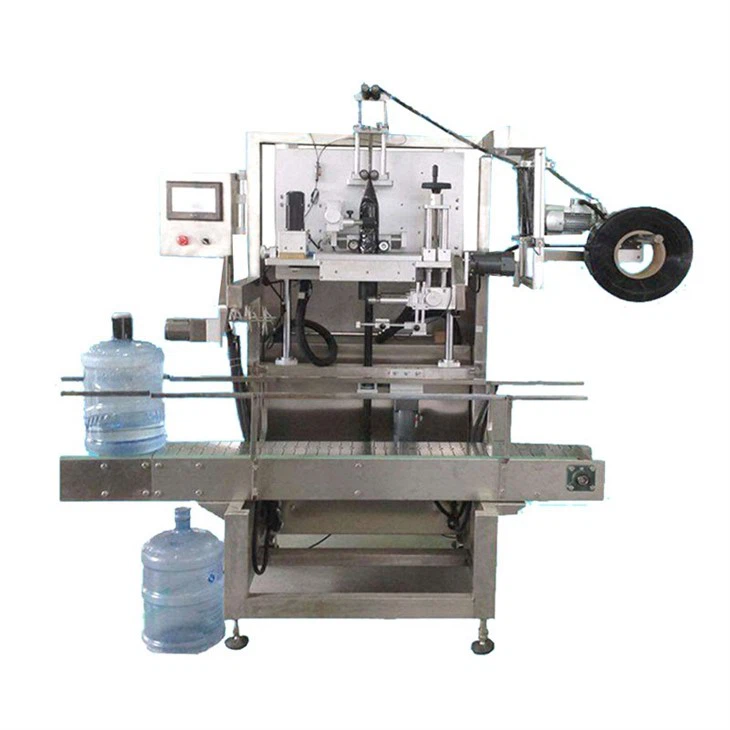
If you are also interested in other labeling machines, you can check out our Large Bucket Water Sleeve Labeling Machine, Double Head Sleeve Labeling Machine, and Fully Automatic Sleeve Labeling Machine.
If you are considering purchasing a laser coding machine or any of our other products, we invite you to contact us for a detailed discussion. Our team of experts is ready to assist you in finding the perfect solution for your specific requirements.
References
- Laser Marking Handbook, various industry publications
- Manufacturer's user manuals for laser coding machines